HFOC OS 1.0.0 — x86-64 boot test request
Posted: Wed Nov 25, 2026 2:50 am
HFOC OS 1.0.0 is the first public release of our x86-64 network
appliance OS. It has its own monolithic kernel and boots through Limine.
The installed system provides a web panel, HTTPS routes to configured
backends, owner-key SSH and a native shell with persistent storage under
/home/owner.
A quick test
Download both files:
Generic ISO (16.6 MiB)
Checksums
From the download directory on Linux:
This boots without an attached hard disk. At the local console, try help
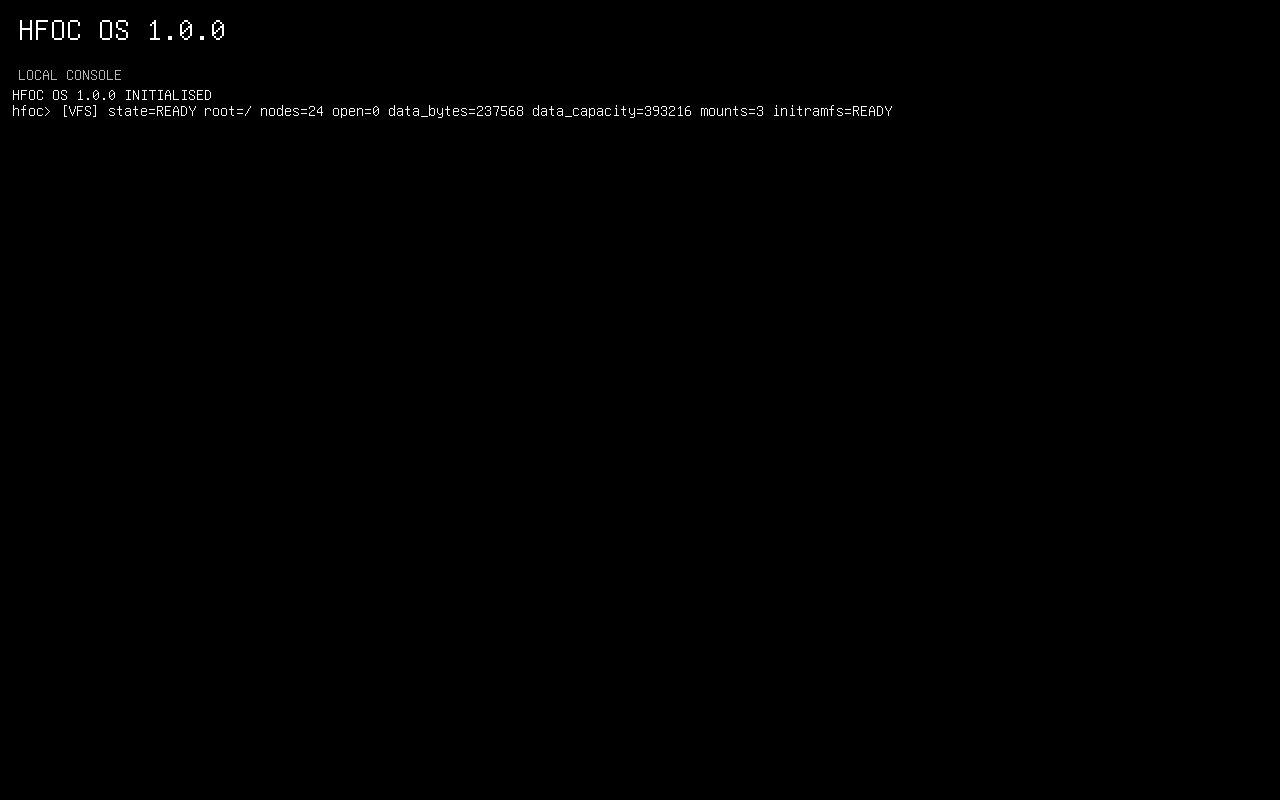
and version. The display should show HFOC OS 1.0.0. A separate installer
image is needed to test an installed system.
Installation guide
What to report
Did you get to the console? Did the keyboard work? Please include BIOS
or UEFI mode, the build ID if available, and either your machine model
or your QEMU version and options. For a failed boot, the first
unexpected line from the serial log is useful. Successful boots are
useful too. Reply here or use the GitHub report thread:
Shared test report thread
We have checked the release ISO under SeaBIOS and OVMF, and tested the
installed system on one Toshiba Satellite L875 with RTL8168 Ethernet.
Results from other machines will help map compatibility.
Project site
Source
QEMU screenshot
appliance OS. It has its own monolithic kernel and boots through Limine.
The installed system provides a web panel, HTTPS routes to configured
backends, owner-key SSH and a native shell with persistent storage under
/home/owner.
A quick test
Download both files:
Generic ISO (16.6 MiB)
Checksums
From the download directory on Linux:
Code: Select all
test -f hfoc-os-1.0.0.iso && \
  sha256sum --ignore-missing -c SHA256SUMS.txt && \
  qemu-system-x86_64 -machine q35 -m 512M -cpu max,-apic \
    -cdrom hfoc-os-1.0.0.iso -serial stdio -no-reboot
and version. The display should show HFOC OS 1.0.0. A separate installer
image is needed to test an installed system.
Installation guide
What to report
Did you get to the console? Did the keyboard work? Please include BIOS
or UEFI mode, the build ID if available, and either your machine model
or your QEMU version and options. For a failed boot, the first
unexpected line from the serial log is useful. Successful boots are
useful too. Reply here or use the GitHub report thread:
Shared test report thread
We have checked the release ISO under SeaBIOS and OVMF, and tested the
installed system on one Toshiba Satellite L875 with RTL8168 Ethernet.
Results from other machines will help map compatibility.
Project site
Source
QEMU screenshot